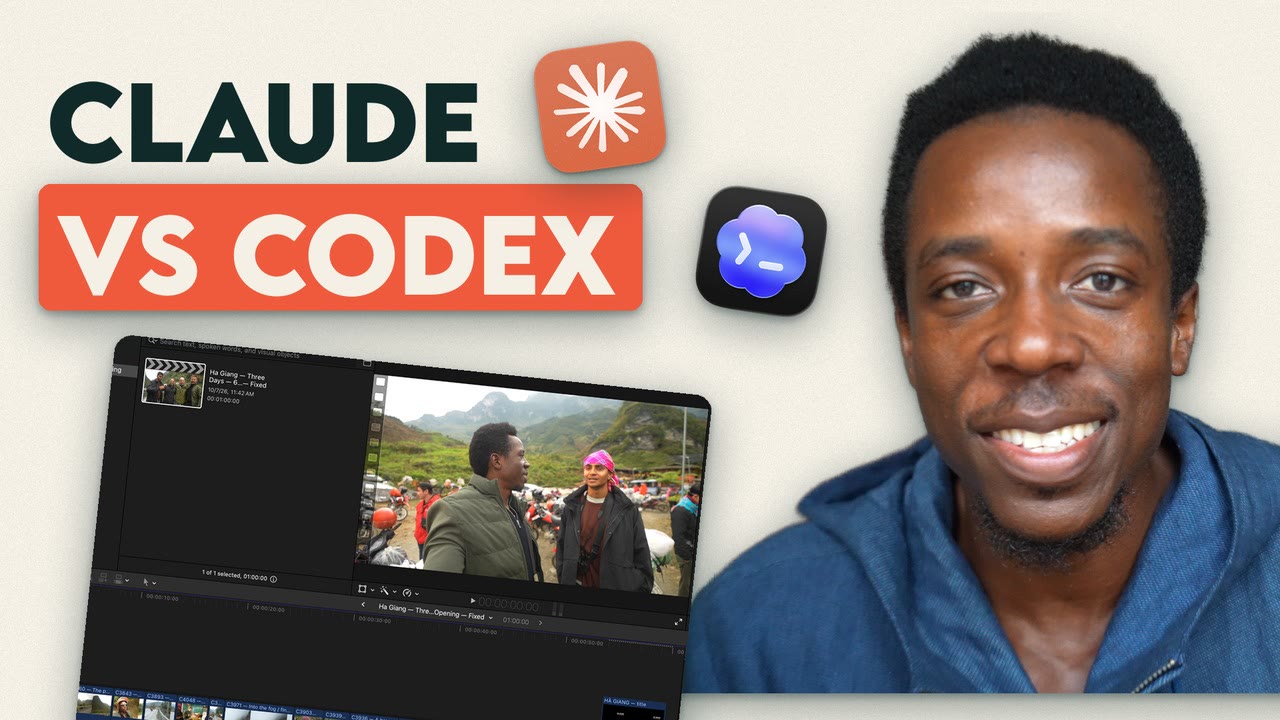
I gave Claude and Codex the same 231 clips and the same instructions, then judged what they made without knowing whose was whose. Codex won, 70 to 30.
Codex worked 34.6 minutes, Claude 68.1Both Final Cut files broke on the first importBoth fixed in one try
11:25
The recipe
Let Codex make the cut, then ask Claude what's wrong with it. Codex made the better video. Claude wrote the better critique. Here's how to try it on your own footage tonight.
Make a folder with your clips in clips and a song in music.
Put the five skills below where each tool looks: .claude/skills/<name>/SKILL.mdcode> for Claude Code, .agents/skills/<name>/SKILL.mdcode> for Codex.
Open Codex in that folder and paste the Round 1 prompt, with your own trip in place of mine. Import the Final Cut file it gives you.
Put Codex's rendered opening in a review folder, open Claude Code there, and paste the Round 2 prompt.
If Final Cut complains on import, paste exactly what it said back to the tool that made the file, like the fix-it prompts below.
Exactly what I typed
Word for word, round by round. Both tools got the same words at the same time.
Round 1 · Story
Paste into both, at the same time.
These are 231 clips from a three-day motorbike trip on the Ha Giang Loop in Vietnam, in the clips folder. Use the edit skill. Find the story and cut a 60-second opening that makes someone want to watch the whole film. Music is in the music folder. Give me a Final Cut Pro file. Work only with files: don't control the screen or open any apps.
Round 2 · Review
Each one reviewed the other's opening, without knowing whose it was.
The review folder has a 60-second opening another AI cut from the same footage. Use the video-review skill. Tell me what's wrong with it, worst first, and write your review to review.md. Work only with files: don't control the screen or open any apps.
Round 3 · Music
Two steps. The song comes from Suno in between, one generation per prompt, no do-overs.
Write a Suno prompt for the music under your 60-second opening. Give me only the prompt, then stop. Work only with files: don't control the screen or open any apps.
The suno folder has two songs made from your prompt. Pick one and lay it under the voices of your opening so every word stays clear. Give me an updated Final Cut Pro file. Work only with files: don't control the screen or open any apps.
Round 4 · Package
A cover and titles for the full film.
Use the thumbnail and distribute skills. Make a cover and three titles for the full film, using frames from the clips. Save them in a package folder. Work only with files: don't control the screen or open any apps.
Fix-it · one attempt each
Both Final Cut files broke on the first import. I pasted back what Final Cut said, once. These name my files, so swap in yours.
I imported your Final Cut file, "Ha Giang - Opening 60s.fcpxml", into Final Cut Pro. It said: "Your XML was imported with the following warnings." Every one of the 22 clips had the same warning: "Invalid edit with no respective media" (asset-clip 1 through 22). Only the title showed up in the timeline. You get one attempt: fix the file so it imports cleanly with all its footage, and give me the fixed Final Cut Pro file. Work only with files: don't control the screen or open any apps.
I imported your Final Cut file, "fcpxml/Ha_Giang_Opening.fcpxml", into Final Cut Pro. Final Cut Pro quit unexpectedly during the import, three times in a row. It showed no other error message. You get one attempt: fix the file so it imports cleanly with all its footage, and give me the fixed Final Cut Pro file. Work only with files: don't control the screen or open any apps.
Bonus · Codex drives Final Cut
The one time I let it use the screen. Codex only. Grant it Accessibility and Screen Recording when macOS asks, and keep your hands off the mouse while it works.
Final Cut Pro is open with one library, "Codex Screen Test". Open the project in it. Using the screen, make three changes: lower the music by 6 dB from the fourth shot (C4048) to the end; add a one-second Cross Dissolve between the last two shots; add a title at the start that says "Ha Giang Loop" and lasts three seconds. Only work inside this library. When you're done, tell me what you changed and anything you couldn't do.
Why "work only with files". I wanted both tools judged on the edit itself, so they wrote a Final Cut file instead of clicking around the screen. The bonus round is the one exception.
The five skills
Same files for both tools. A skill is a prompt saved as a file. Paths and habits in them are mine, so change them to yours.
Download all five (.zip)
unzips to a tjsmind-editing-skills folder; its README has the one-line command that copies the skills into ~/.claude/skills/ (or .agents/skills/ for Codex)
New to this?The written guide walks through the whole setup on the same 231 clips.
The build, so far
I'm building my own AI video editor in public, one piece per video. This one decided which AI does the cutting. Episode two tests three ways to run it.
NextPlanning a video with Claude before you shoot, then covers and the release step. They go up when they work, not on a schedule.
Follow the build.
One email when the next piece is out, never more.
Your email goes to Kit, only for these updates. Unsubscribe any time.
Building one too?
There's a WhatsApp community for people setting this up with Claude and Final Cut Pro or DaVinci Resolve. Ask questions, share what you're cutting, and see each new piece first.
 11:25