How to Edit Video with Claude and Final Cut Pro
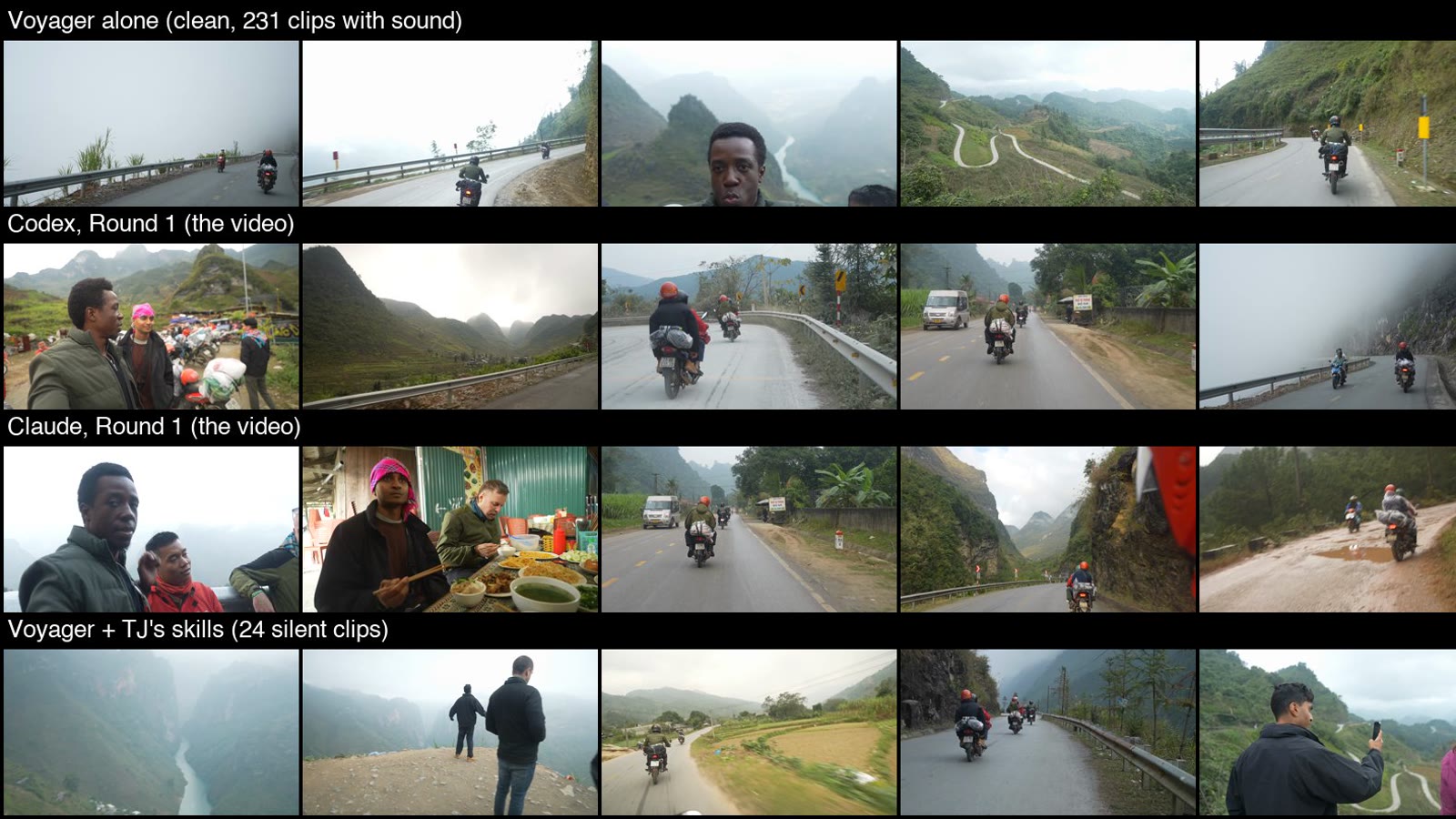
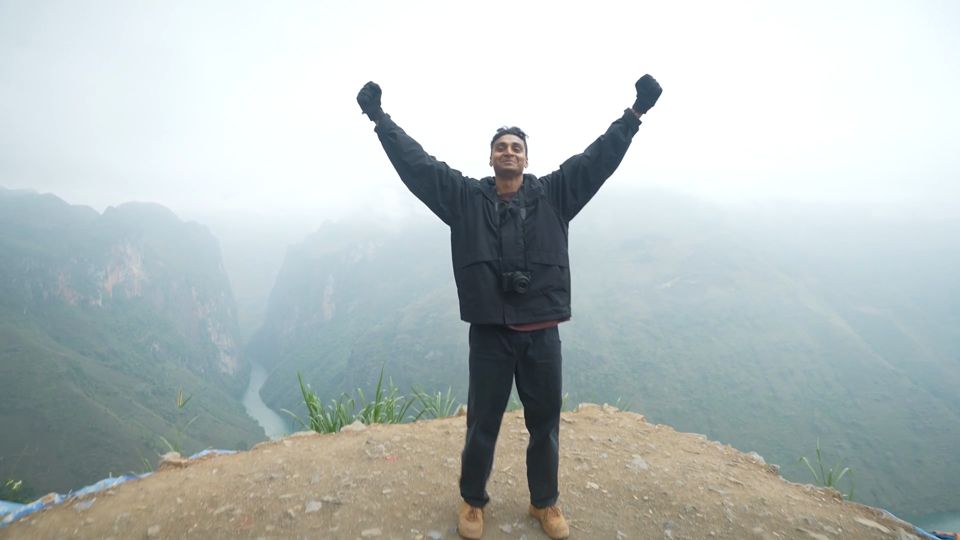
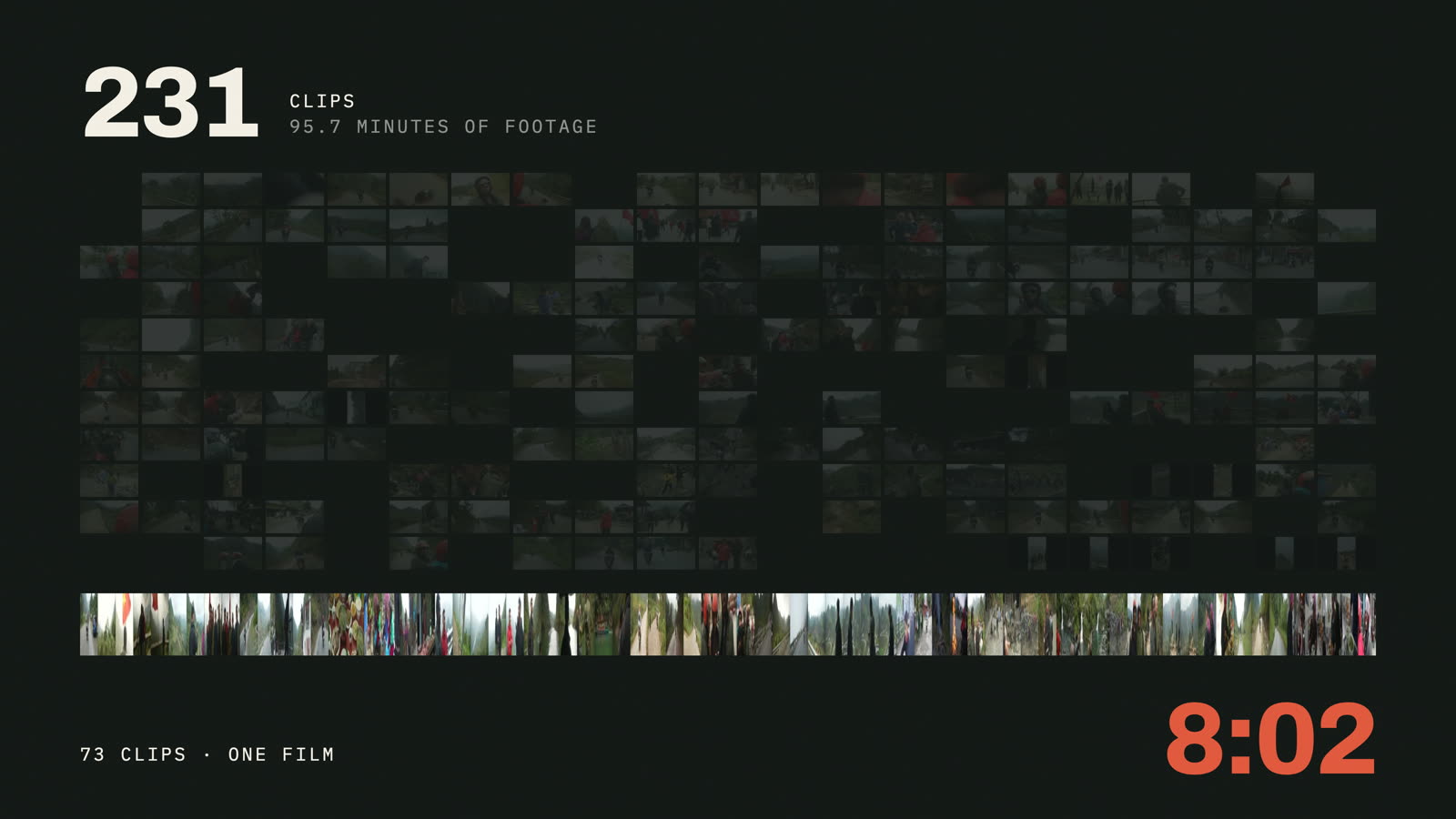
I shot the Ha Giang Loop in northern Vietnam last December. 231 clips. And for like eight months I never touched it. I was honestly just too intimidated to take on that project. So I handed it to Claude Code.
This is how that went, step by step, including the parts it got wrong. Every screenshot is from that project. It came out as an 8 minute film, 73 of the 231 clips, and I finished it in Final Cut Pro like any other edit.
 6:55
Rather watch? Same workflow, seven minutes.
What you need
- A Mac
- Your clips stay on it the whole time.
- Final Cut Pro
- About $13 a month now, or $300 once.
- Claude Code
- Included with Claude plans from $20 a month.
- The skill files
- Free. Grab them here. They use a few free tools (ffmpeg, mlx-whisper, PySceneDetect), and Claude Code installs those for you when a skill needs them.
Never used Claude Code? Part 1 walks you through the setup from zero.
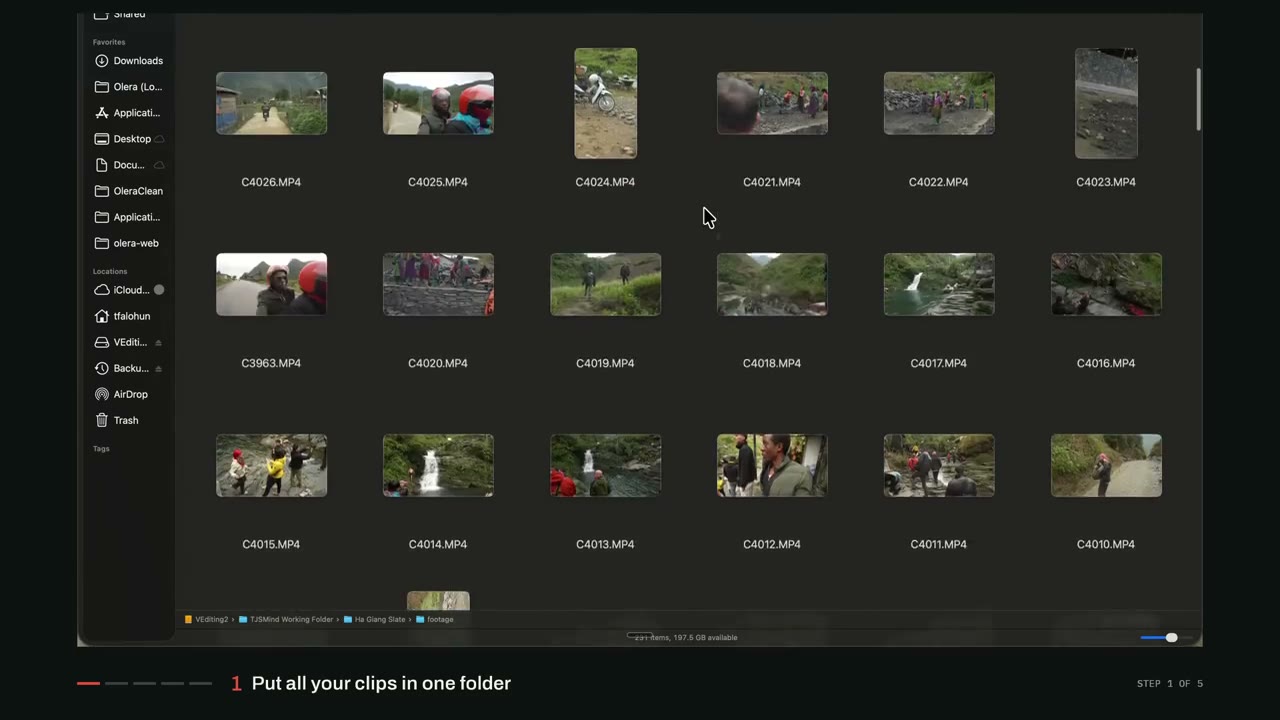
1Put all your footage in one folder
All of it, in one folder. Don't rename anything, don't sort it, don't pre-cut. Claude goes through the whole thing, so a mess is fine. Mine was 231 files straight off the camera.
2Open Claude Code and type /edit
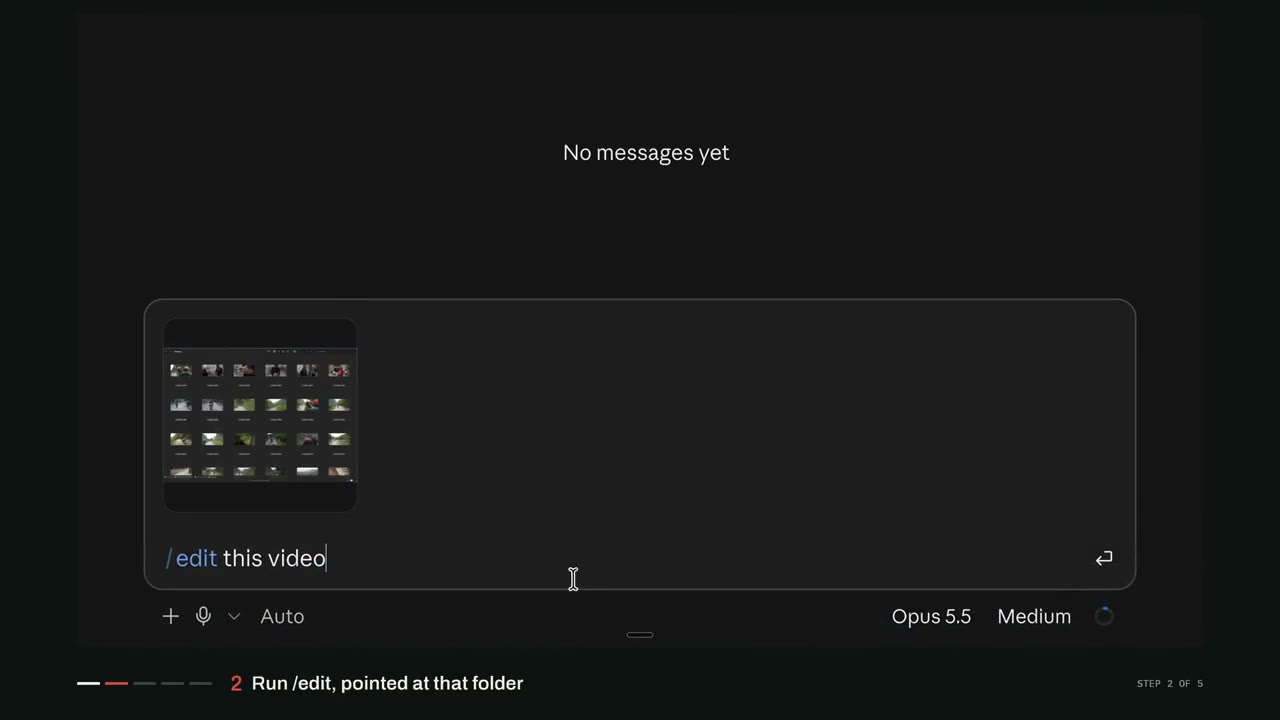
Point it at that folder. You can either share a screenshot of the folder or just tell it where the files are.
> /edit this video
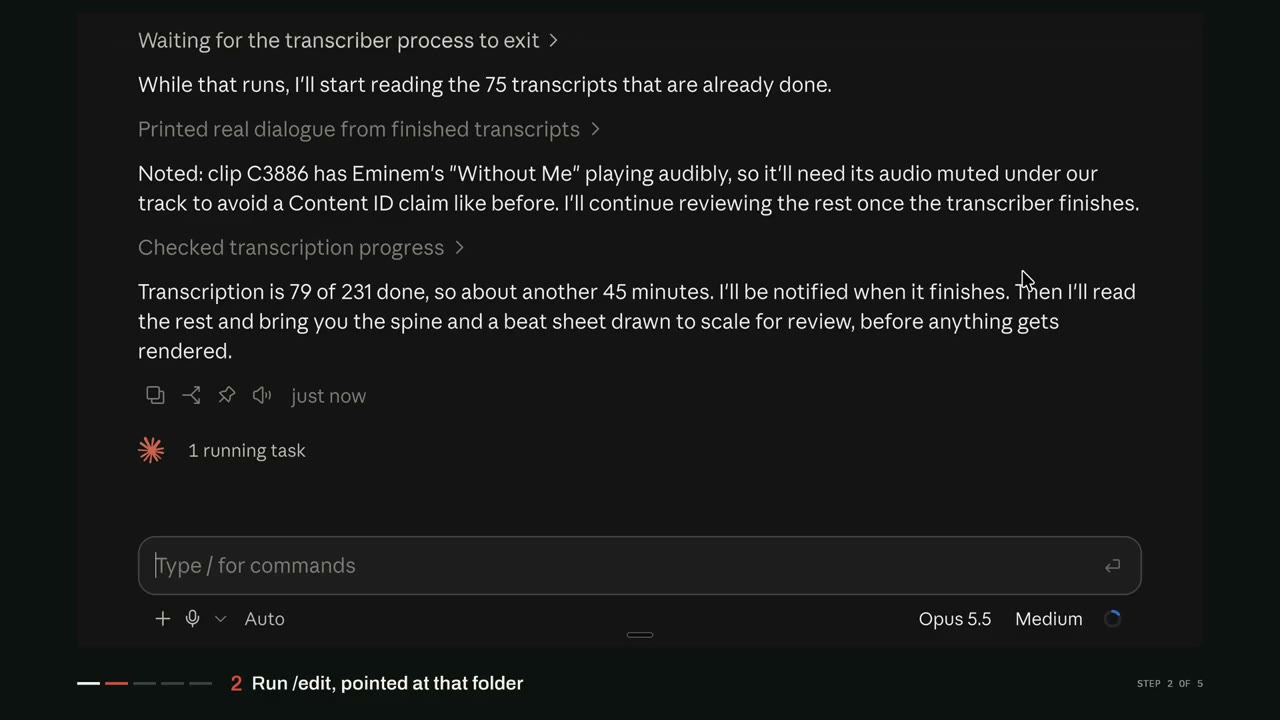
Then Claude goes through every clip. It listens to what's said, looks at the shots, and comes back with a first idea for the video. With 231 clips that takes a while, but it keeps you posted.
Or grab them free on the skills page. One email when a skill changes, never more.
3Go back and forth on what the video is
This is where most of the work happens. Claude pitches a direction, you tell it what you think, and you keep going back and forth until you like where the video's headed.
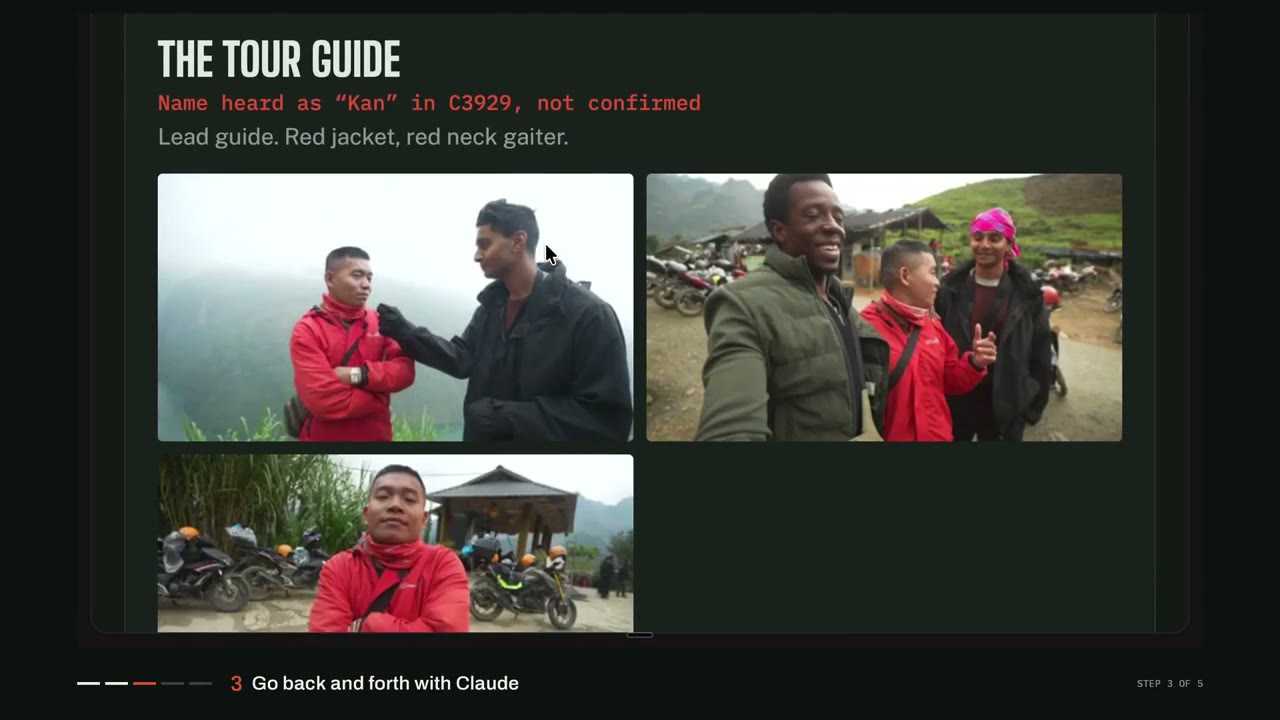
It also figures out who's in the footage. It built a list of everyone who speaks, basically a cast, with their best lines. It got one person wrong. I told it, and it fixed it.
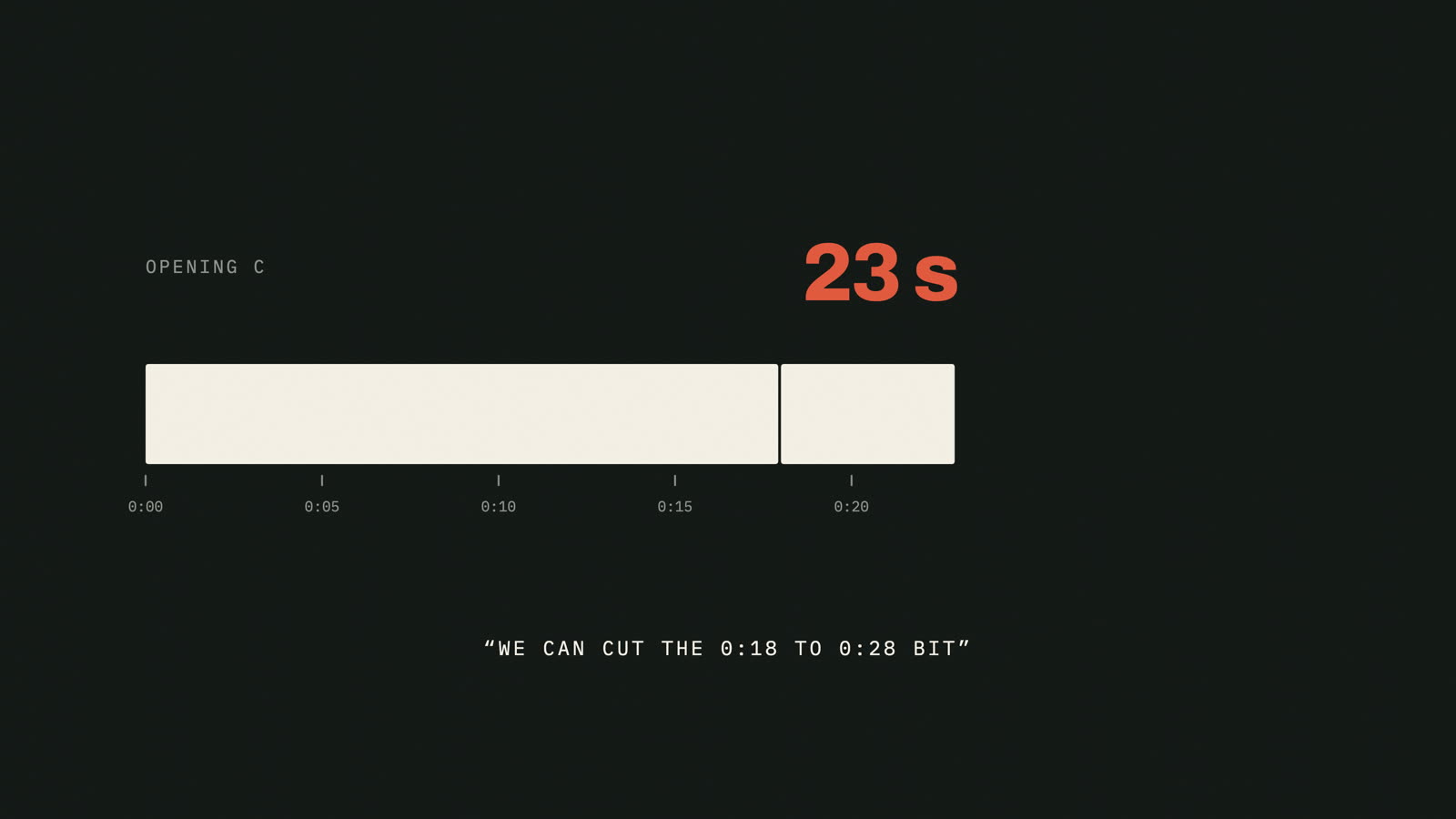
And you don't only have to talk to it with text. You can say, give me a quick render of what you're thinking. It pitched a couple of openings and I just wasn't in love with any of them. So I told it exactly what I wanted. The conversation over lunch, which has some of the best lines, over the most cinematic clips of the trip. Great conversation over beautiful visuals, basically. It built that, and I cut the ten seconds I didn't need.
It works for music too. I made a custom track with Suno using a prompt Claude wrote, and the first one came back way too pop, bubblegum sounding. I told Claude. It knew exactly what went wrong and gave me a better prompt.
4Watch the draft and give notes
Once you've settled on a direction, Claude renders a full draft for you to watch. Mine came back at 7:47, 98 segments.
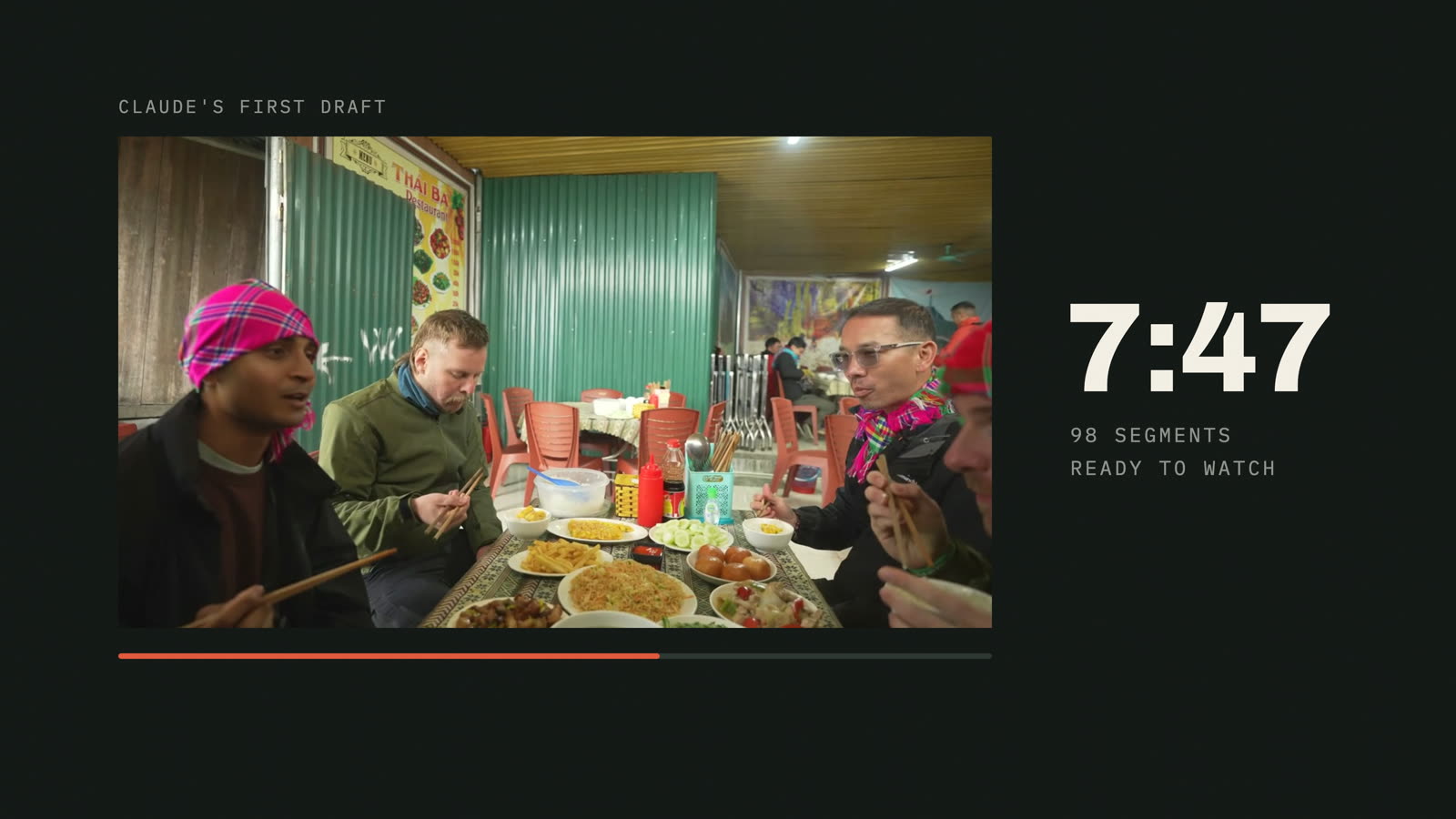
Watch it and give feedback. Try to get it as close as you can to the final thing. It doesn't have to be perfect though, because you're finishing it in Final Cut anyway. Two notes I gave on mine:
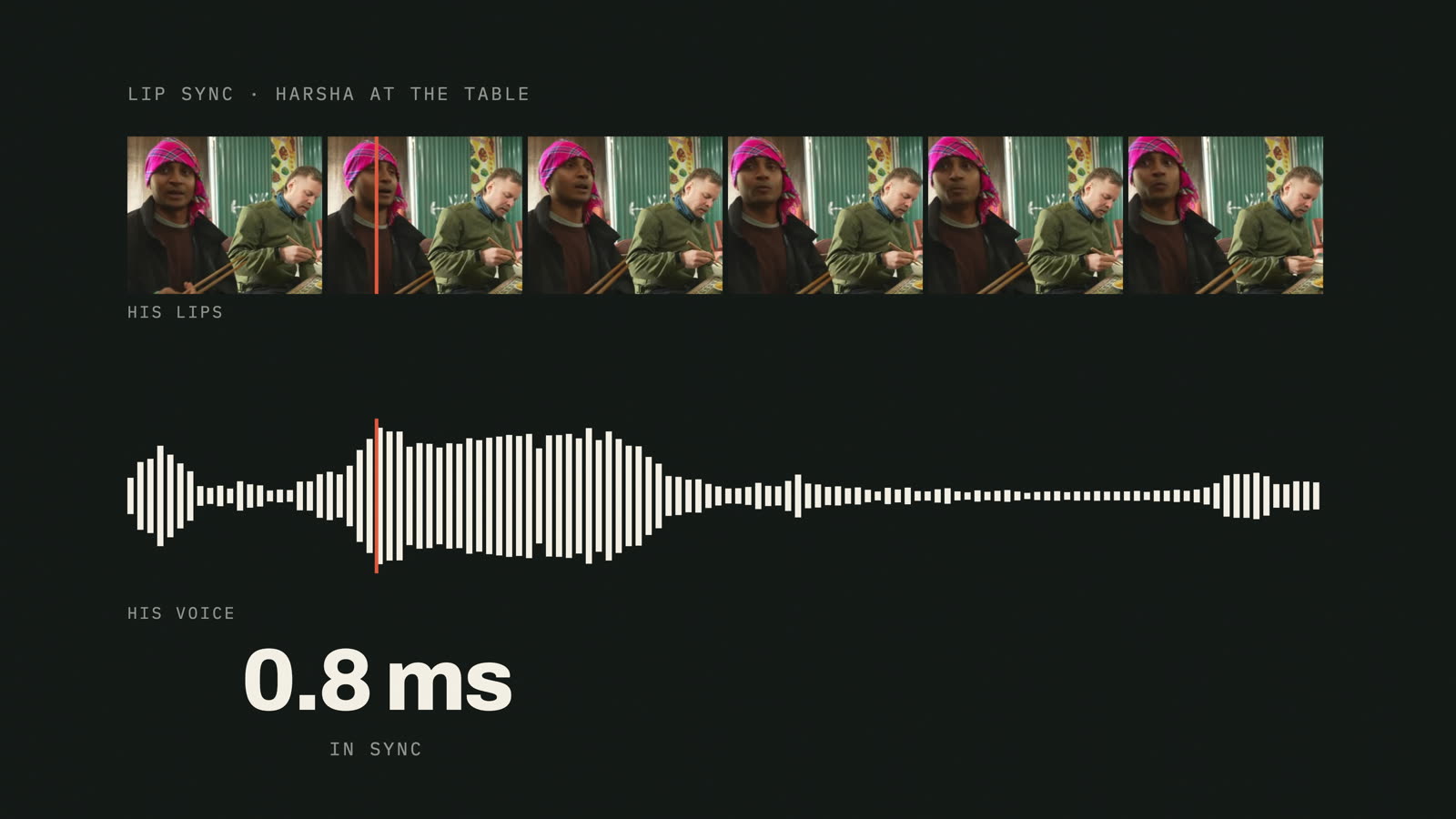
Lip sync. Watching it, I noticed a bit of lag between Harsha's lips and his voice. They didn't quite match. So I asked Claude why, and it gave me a straight answer. It measured the drift, 190 milliseconds, fixed it, and got it under one millisecond.
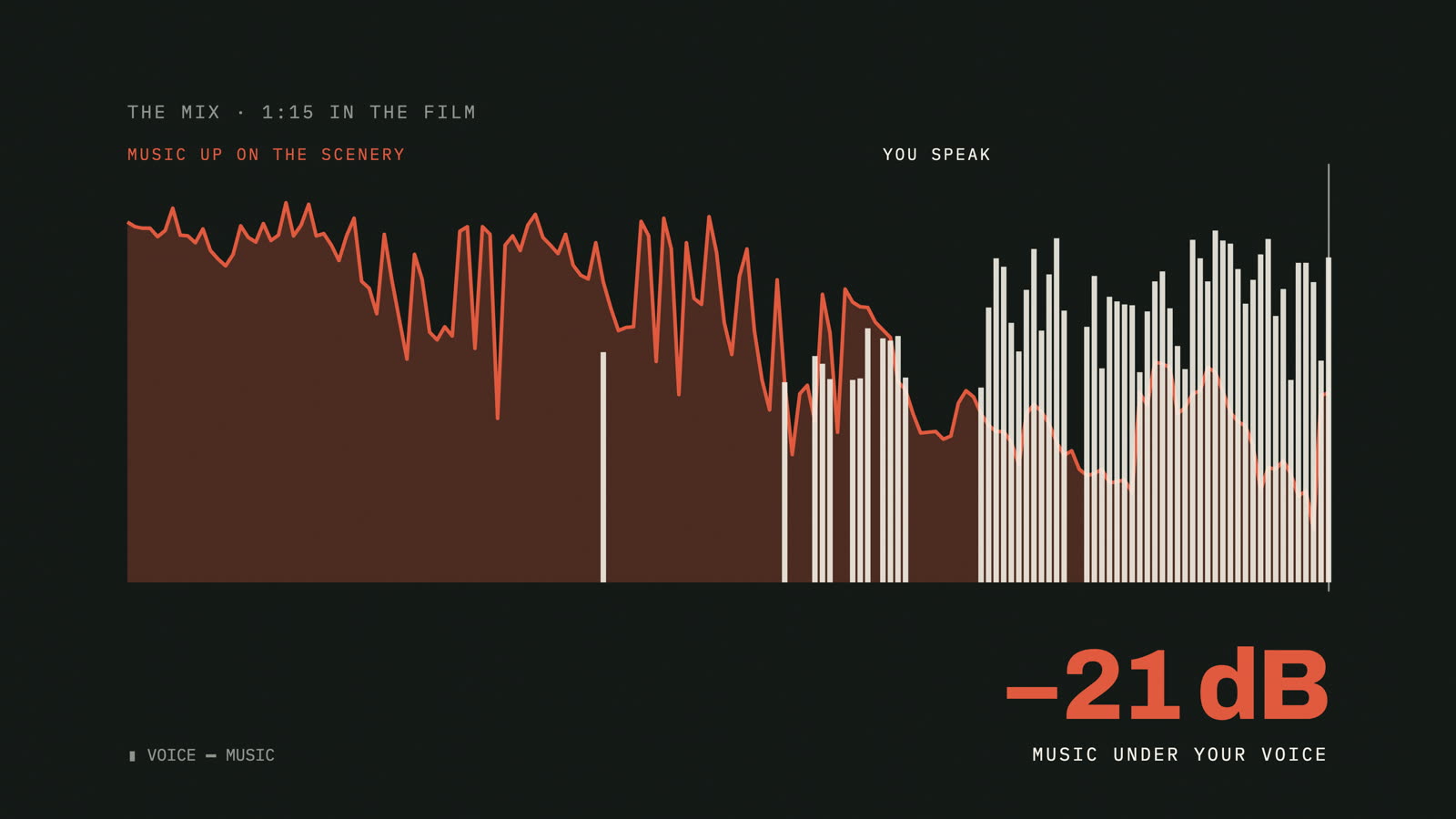
Music under dialogue. When people are talking, bring the music down. When nobody's talking, punch it up a bit and match the vibe of the scenery.
5Type /finalcut and finish it in Final Cut Pro
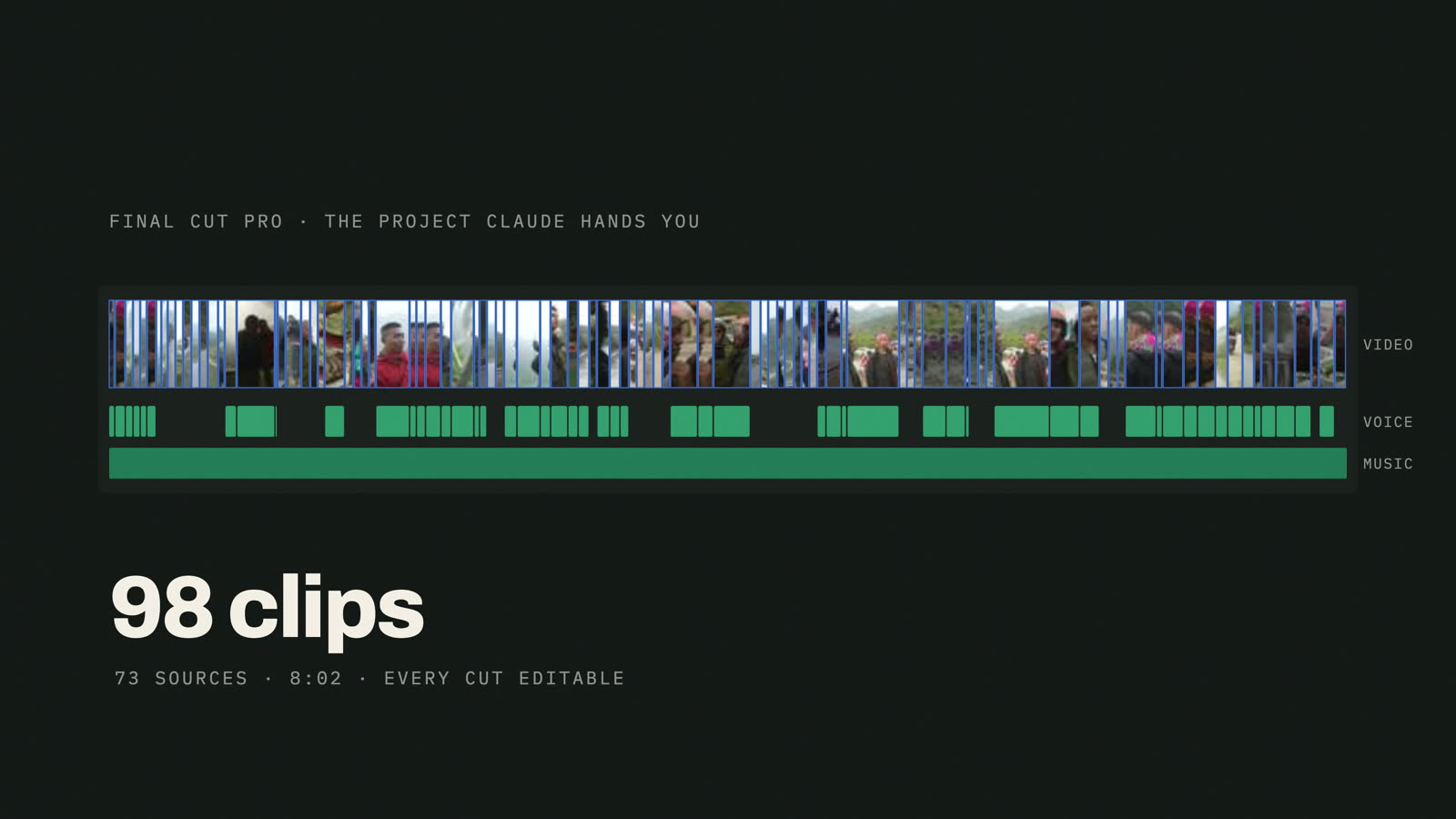
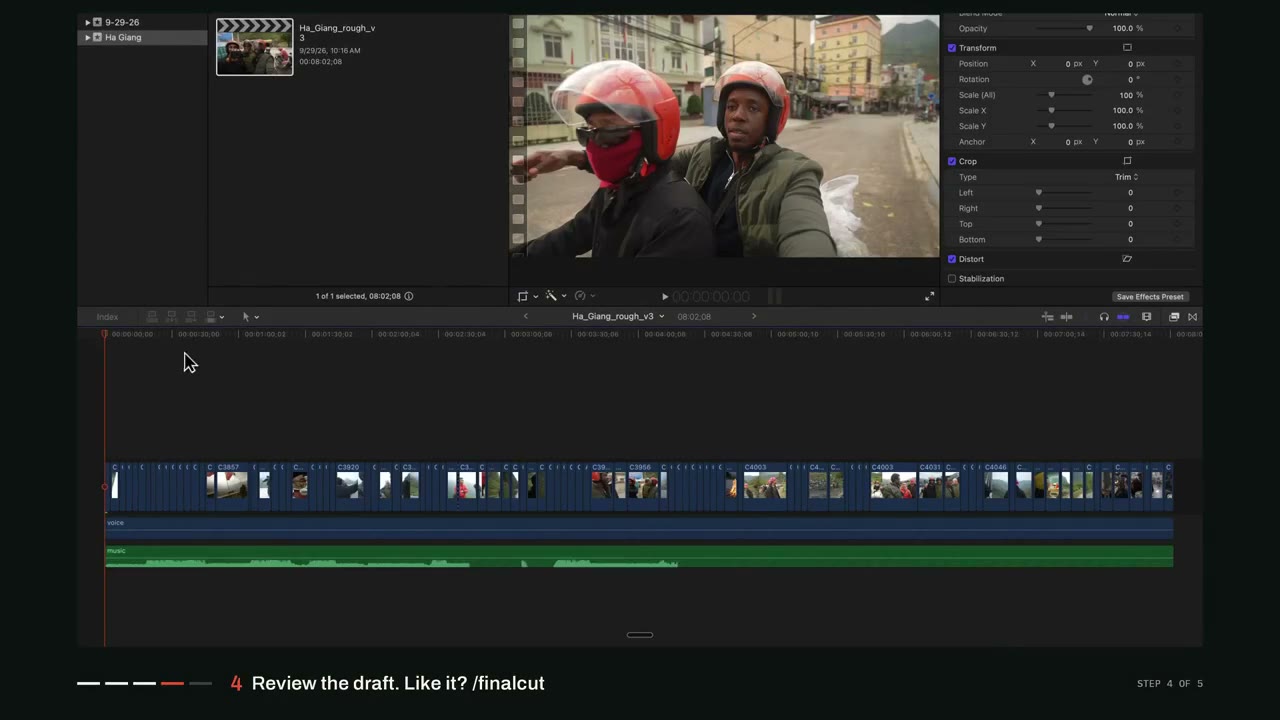
When you're happy with the draft, type /finalcut. Claude turns the whole edit into a Final Cut Pro project. Import it, and there's your timeline. Every clip, every cut, ready for you to fine tune color, transitions, captions, music, all of it.
> /finalcut
Where Claude got it wrong
Now, it doesn't get everything right. Here's where it slipped on mine.
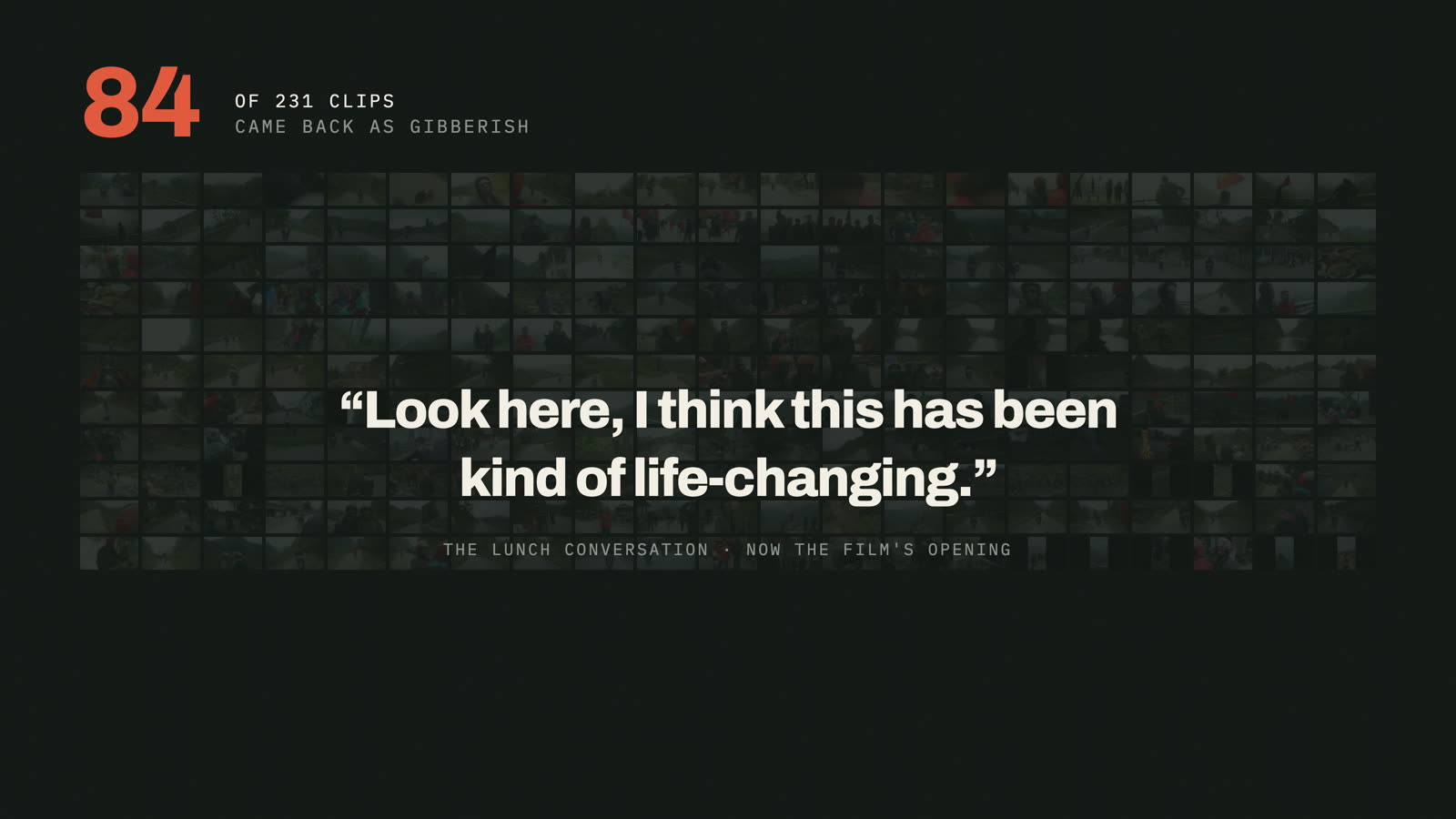
It blamed the wind. On the first pass, a lot of it came back as gibberish. 84 of the 231 clips. That included some of the best conversation we caught on camera, at lunch on the last day of the trip. Claude said the audio was messed up by the wind. We were indoors.
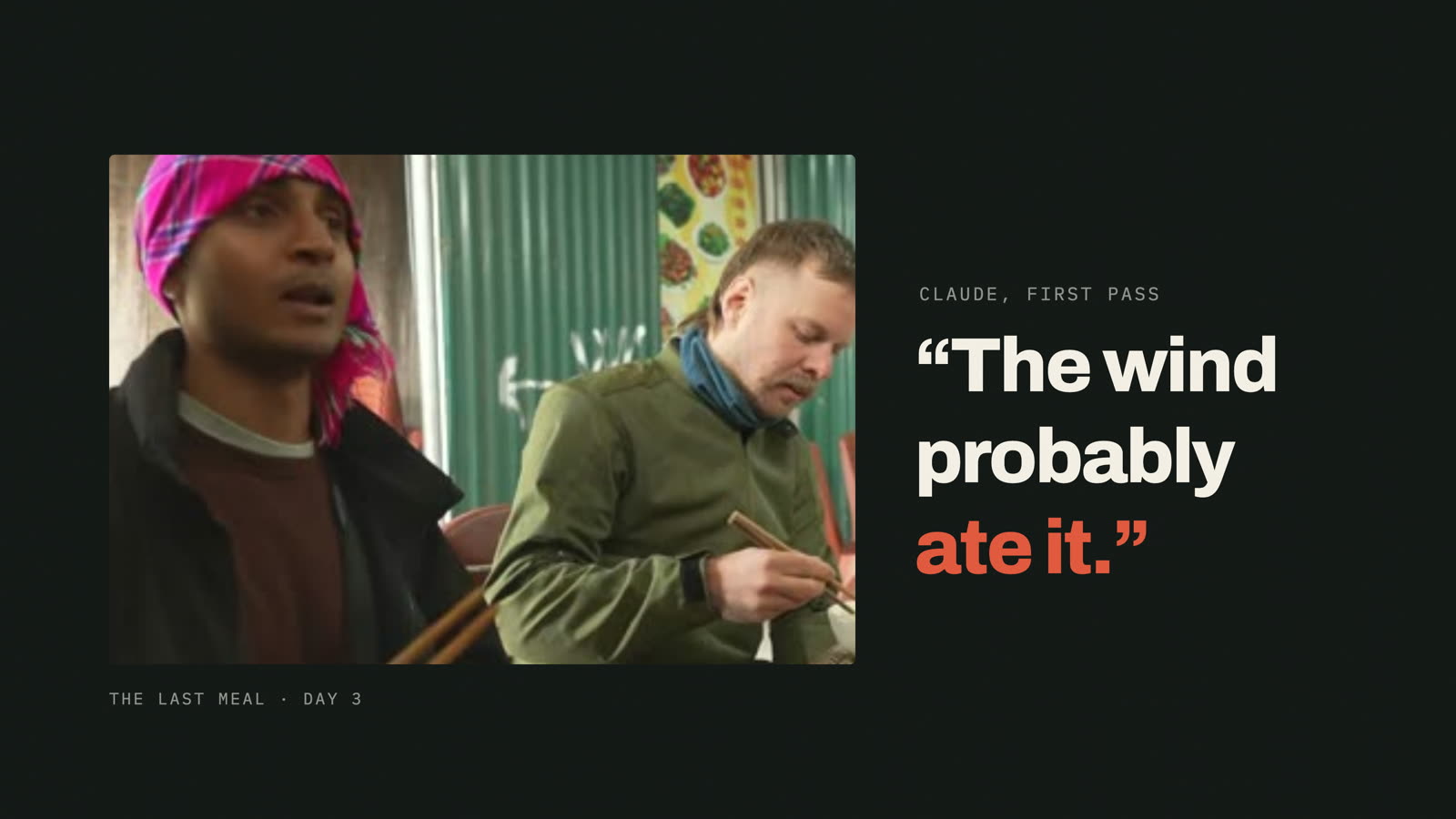
So I told it, hey, go back, give it a second look, see if there's something we can work with. Sure enough, it came back and said the clips were good to go. That lunch conversation ended up being the hook of the whole film, which is probably the most important part of any video like this.
It also got a person wrong in the cast, the first music prompt missed, and the lip sync drifted. Every one of those got fixed the same way. I told it what was wrong. That's really the workflow. It does the heavy lifting, you make the calls.
Do I need an MCP or a plugin?
No. I see a lot of people looking for a Final Cut MCP, but this doesn't use one. Claude writes a regular Final Cut Pro project file (FCPXML) and you open it like any other project. Nothing to install in Final Cut.
Questions people ask
Does my footage get uploaded?
No. Your clips stay on your Mac. The transcribing happens on your Mac too. Claude works off the transcripts and still frames, not the video files.
Does it work with Premiere or DaVinci Resolve?
The /finalcut step makes Final Cut Pro projects. Everything before that doesn't care what you edit in, and the draft it renders is just a normal video file.
Is it fully automatic?
No, and I wouldn't want it to be. It does the assembly, I do the craft. Expect a real back and forth, kind of like working with an editor.
Try it on your own footage
All five skills I used are free. If you've got a bunch of clips sitting in a folder that you just haven't gotten around to editing, this is a good place to start. And let me know where it falls short. I read everything.