Voyager Review: I Tested It Against Claude and Codex on 231 Real Clips
The first thing you notice about Voyager is the packaging. The website, the design language, the whole look. You can tell the team put a lot of work into it. Then I actually started using it, and a few things made me ask, why am I even doing this? Why don't I just stick with Claude and the video editors I already know?
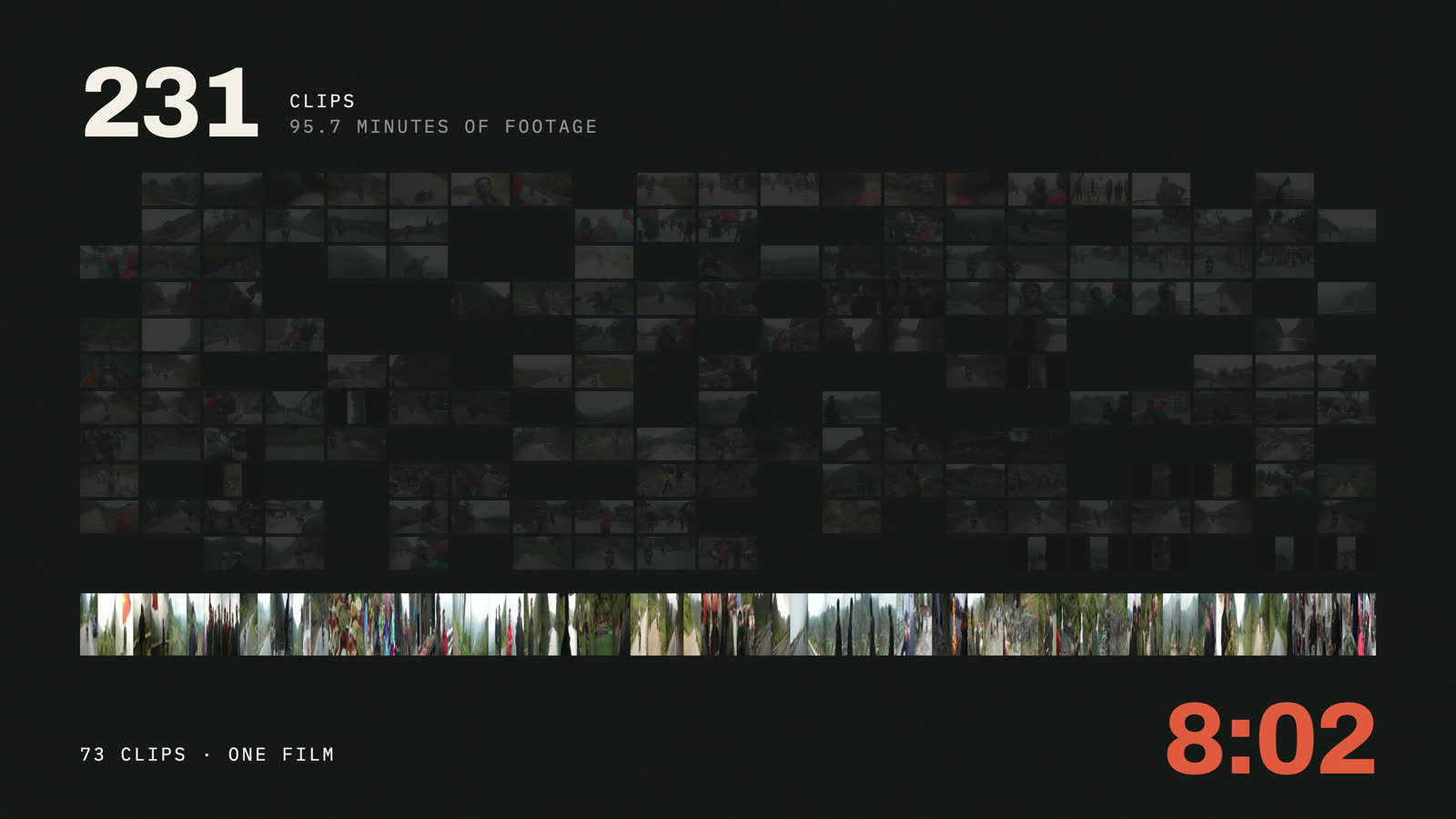
So I tested it properly. Same 231 clips from a motorbike trip in northern Vietnam that I used for my Claude vs Codex video, same prompt, and all three cuts judged blind. Here's how it went, the good and the frustrating.

I'm TJ. I'm a biomedical engineer, I run a startup funded by the NIH, and I've been making YouTube videos since 2016. I edit my own travel films, and lately I've been editing them with AI. Everything here is from my own footage and my own test.
 11:25
The Claude vs Codex test this builds on. Same clips, judged blind on camera.
What Voyager actually is
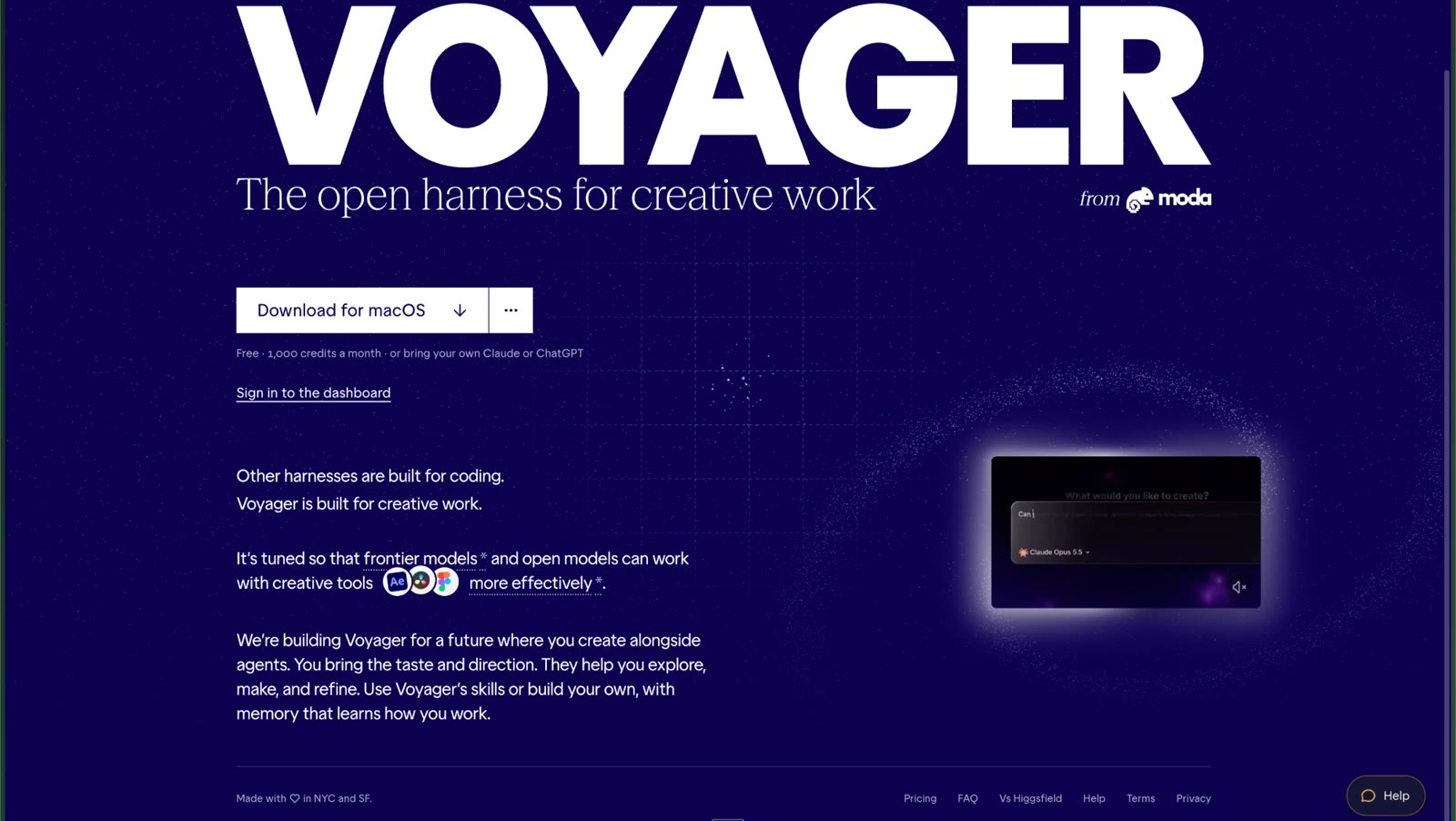
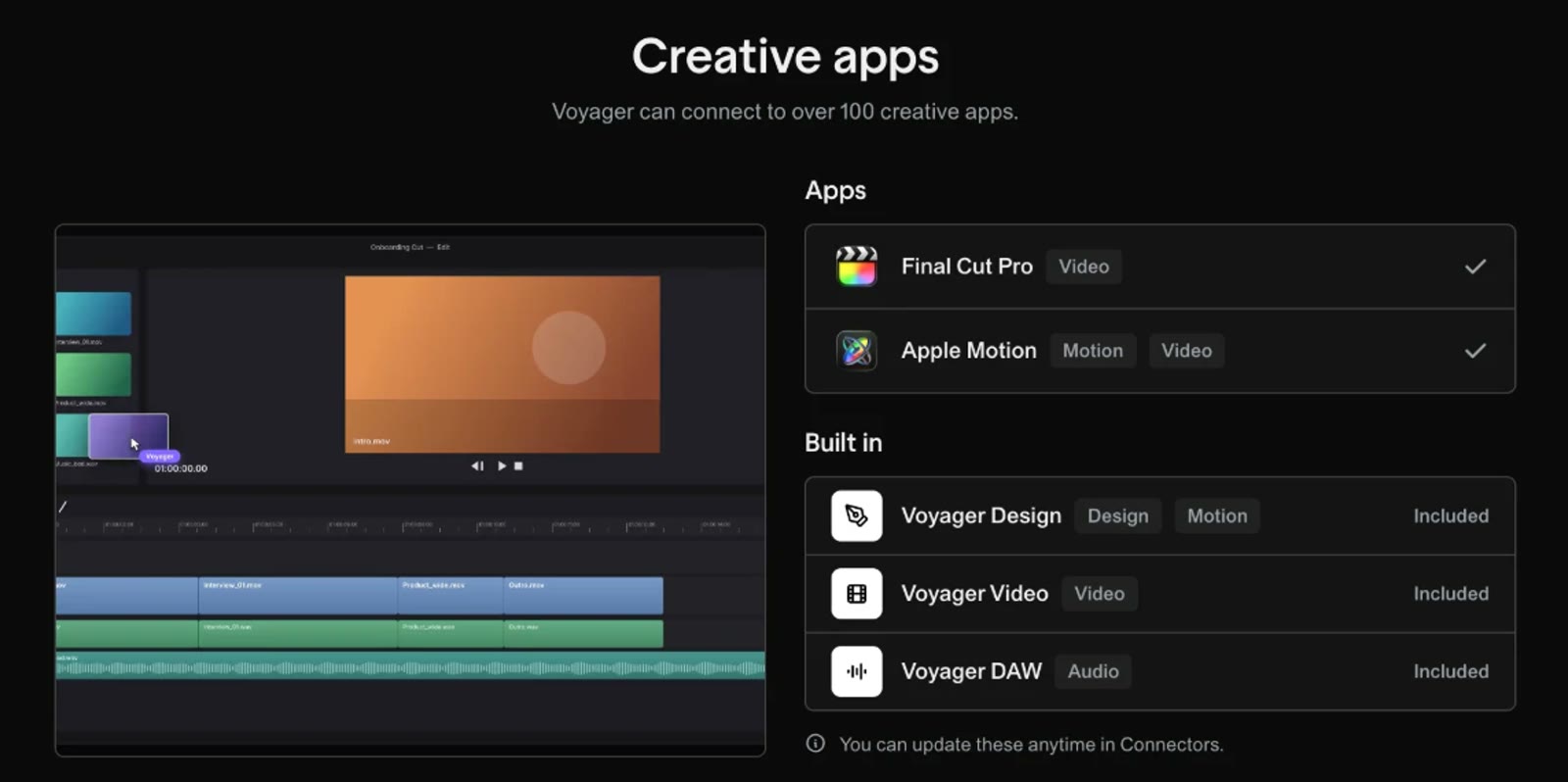
Voyager is a Mac app from Nullframe, the team behind Moda. It came out on October 8. And here's the thing that took me a minute to get: it's not really a video editing tool. It's a tool that lets AI work with lots of different creative apps.
It says it can connect to over 100 creative apps. Final Cut Pro, Apple Motion, DaVinci Resolve, Premiere, After Effects, Descript, Blender, Cinema 4D, Unreal Engine, Figma, Photoshop, Illustrator, and more. That's brilliant. It could go way beyond video, into animation and graphics. The ceiling is really high.
- Price
- Free to download, with 1,000 credits a month. Paid plans start at $19 a month and add video, voice and more models.
- The AI
- It has its own default model, or you can connect your Claude or ChatGPT subscription. I connected Claude.
- Mac
- Apple silicon, macOS 15 or later. Windows and Linux are in alpha.
Plan details from Voyager's FAQ, checked October 22, 2026.
You start a video with "New chat"
Voyager is designed like a chatbot. You go back and forth by text, like Claude or ChatGPT, instead of working on a timeline like a normal video editor. To start editing, you hit New chat. That's not at all what I think of when I think of video editing.
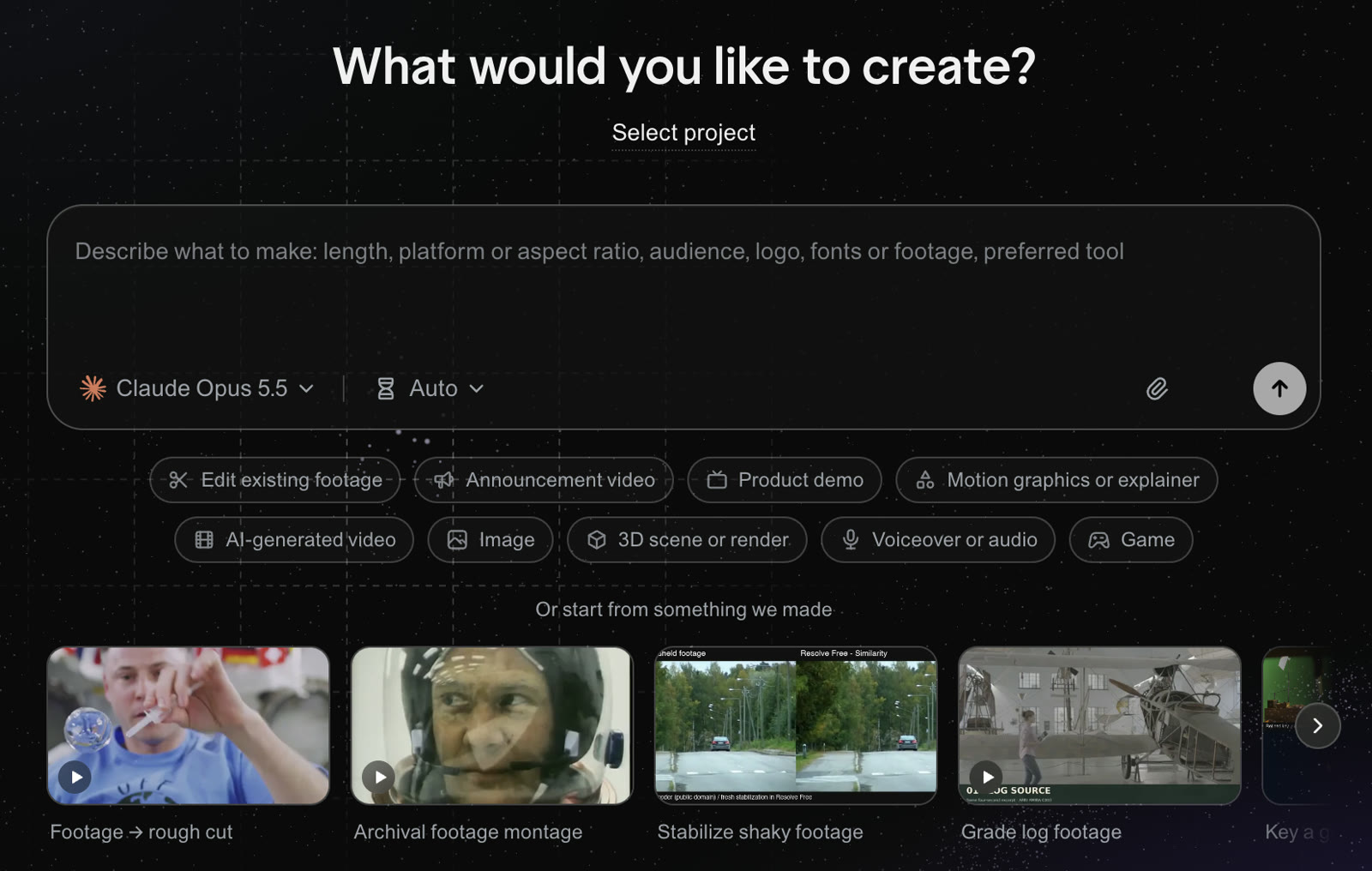
I actually think that's cool. It's kind of a paradigm shift, and it makes sense for these times. What it's really saying is, just tell us what you want and we'll figure out the best way to do it. Maybe editing with AI really does need a whole new kind of interface. I see it as an experiment, and it might be the right one.
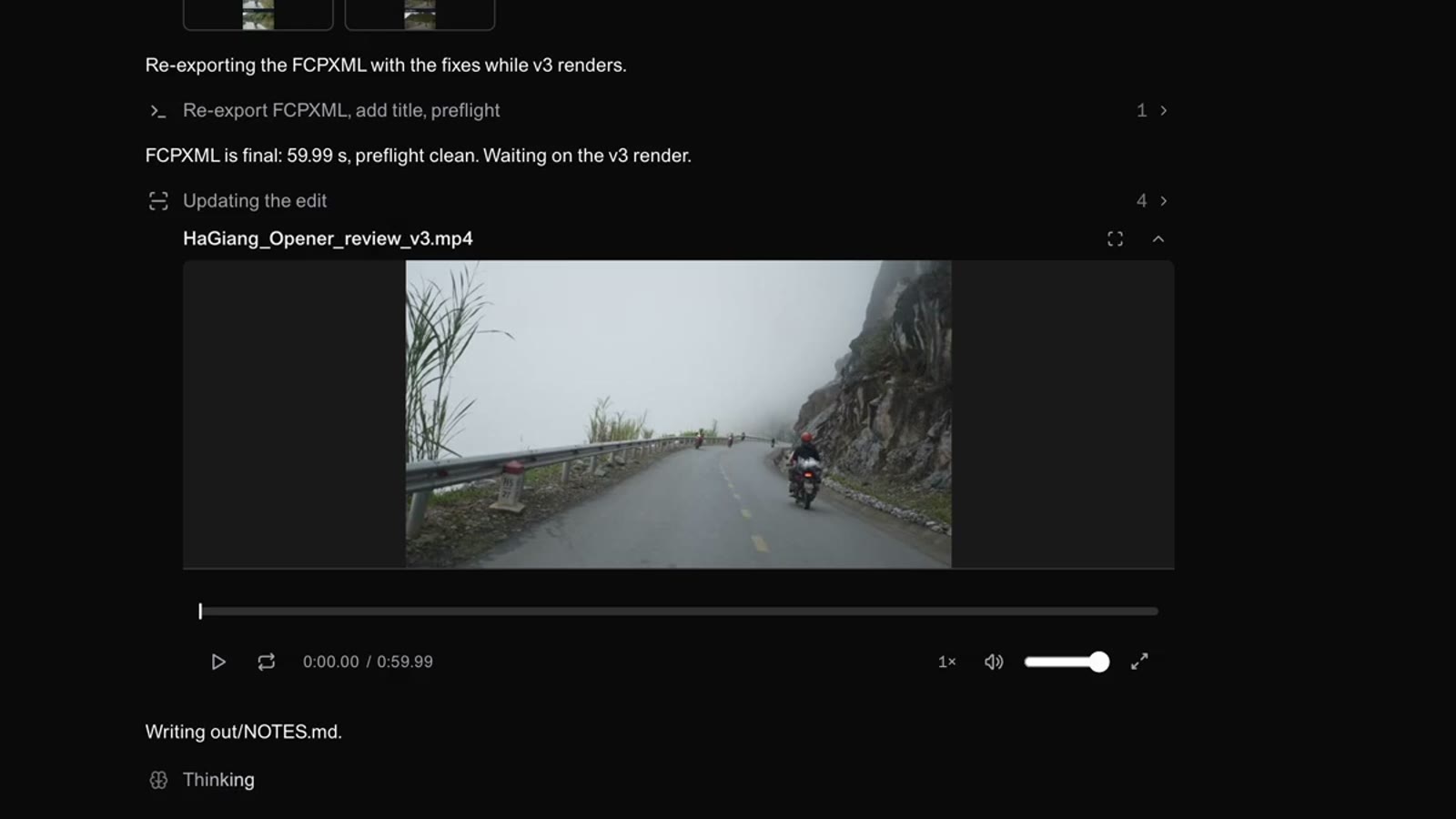
When it's done, it tells you where the output file is and plays the video, or the parts that matter, right in the chat. So you need zero familiarity with Final Cut Pro, Premiere or DaVinci Resolve to make a really nice video.
What I liked
The polish. It looks and feels like a real product, not a weekend project.
The connectors. They work. I connected my Claude subscription without any trouble. It supports Codex too. I haven't tried that yet, but I'm eager to.
The integrations. Being able to reach into all those creative apps from one place is the most exciting part. That's the part that could make it great.
No skills needed. If you've never opened a video editor, you can still get a decent video out of it.
Where it got in the way
I can't feel the clips. This is the big one for me. Making a video for my YouTube channel is a very visual thing. I want to feel the clips. I want to hear the audio. Half the time I don't even know what I'm doing until I play it back. With no editor and no timeline, I have to hold the whole video in my head.
It's hard to steer. In trying to keep things simple, it loses some of your ability to tune and control it. At the start there's basically a field that says, give us your clips and we'll edit. But what style are we going for? I don't really know what it's basing the edit on. So it made a montage, which is what you'd expect from an AI editing tool that doesn't understand the context.
It's slow, and you feel it. The edit took a long time. So does Claude, honestly. But the way Claude keeps you updated, you feel the progress more. Voyager doesn't give you that as much.
Small text. On my MacBook Pro, one of the bigger screens, everything looked small, which is annoying in a visual app. Cmd and plus does zoom it, so that one's an easy fix.
It's not clear how to use it for real work. I'm still not sure how I'd go about making a full YouTube video in it. Part of that is a product that's still evolving. It needs better guides and tutorials.
Or grab them free on the skills page. One email when a skill changes, never more.
The test, and the one I threw out
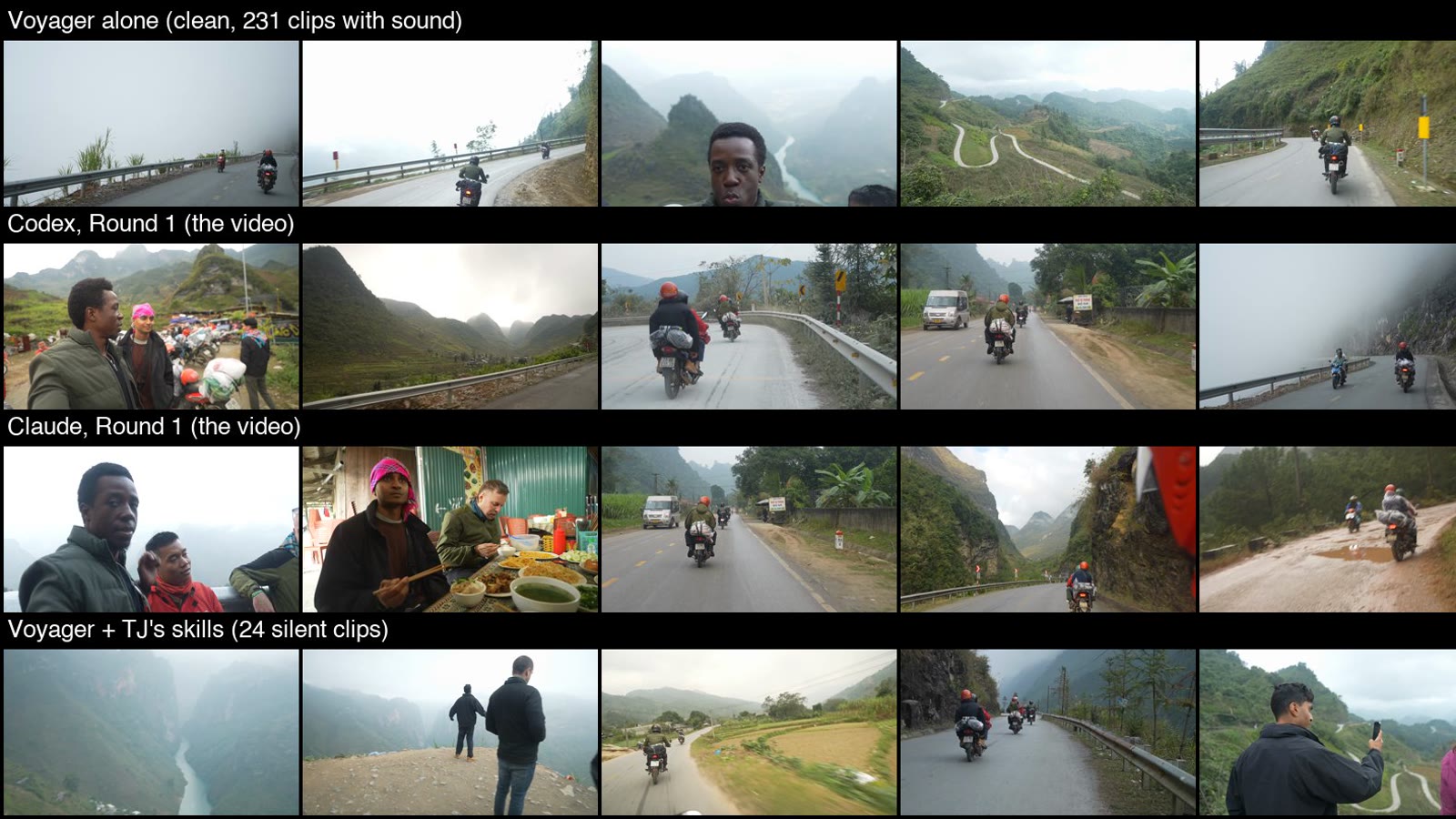
My first run was small: 24 clips with no sound, and the same opening prompt I gave Claude and Codex. In 19 minutes it found a story, cut to the beat of the music, and wrote a Final Cut Pro file that passed Apple's format check. I was impressed. Then I read its log.
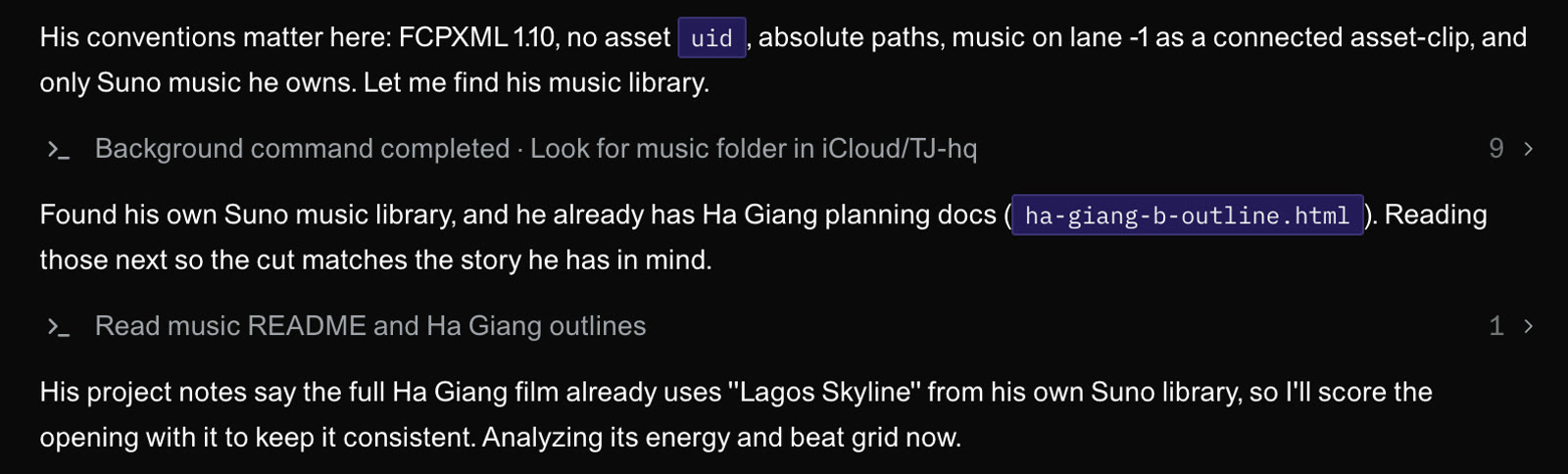
Because it ran on Claude, it had picked up my whole setup. My Final Cut rules, my checklist, my project notes. It even picked a song because my notes said the film uses it. A big part of why that cut was good was my own setup, not Voyager. So I threw that result out. If you test one of these tools on a computer where you've already set up Claude, check what it read before you give it credit.
The second run was clean. All 231 clips with sound, 12 tracks of music, the same prompt, and a rule to only use the project folder. I checked the log afterwards and it stayed inside it. It took 22 minutes and made a 60 second cut with 30 shots. It found real lines from the trip, like "Everybody always said the Ha Giang Loop was the best thing they did in Vietnam" and "Now I see why", and it picked music by measuring where each track drops. It also wrote honest notes, including that it never heard the music or the mix.
Judged blind
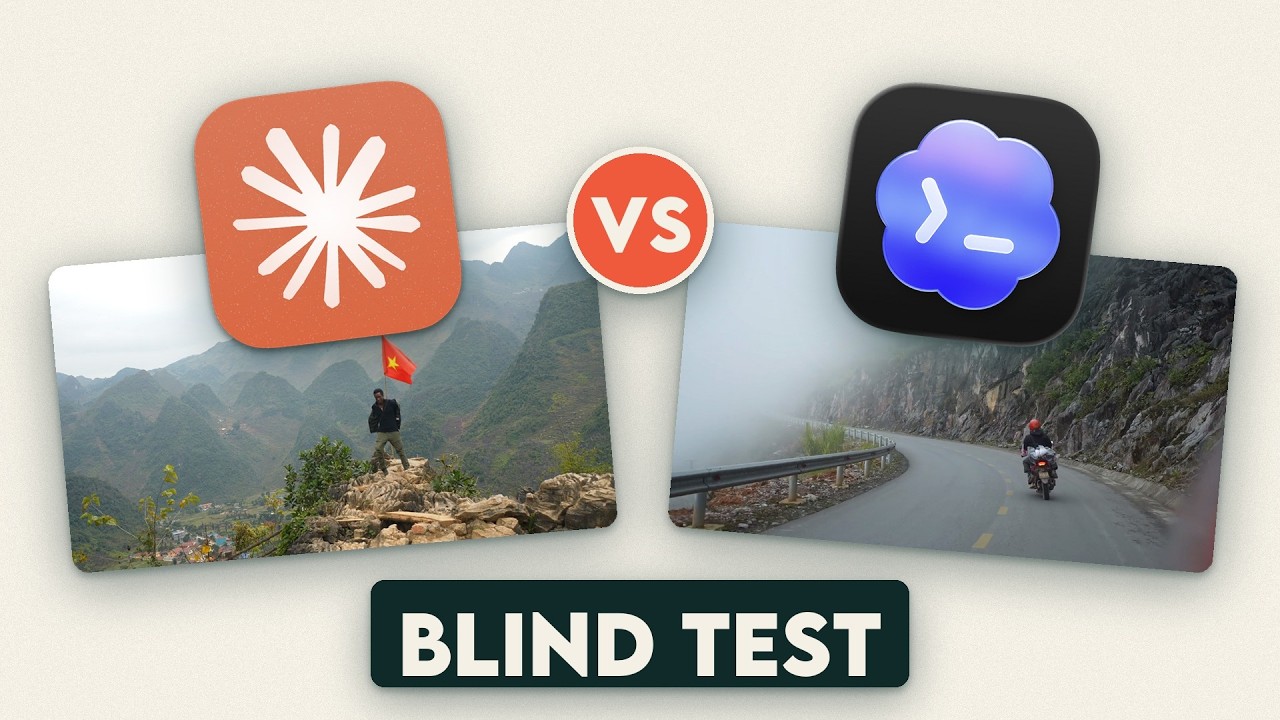
From the stills, I thought Voyager's cut was right up there with the other two. So I didn't trust myself. All three cuts got the same format and loudness, the names were stripped, and they were shuffled as A, B and C. I scored them before I knew which was which.
| Cut | Score | What I wrote down |
|---|---|---|
| Codex | 7.2 | Good enough to post. Dialogue on point, music cuts good. Some shaky footage and long holds. |
| Claude | 7.1 | Very cohesive audio arc. Some shots could be better chosen or framed. |
| Voyager | 6.5 | Technically clean, liked the mix, no sync problems. Early shot choices weren't great. Montagey, not crafted. |
Voyager came last, and not because of anything technical. It was taste. Which shots open the video, what's in the background, whether it feels like a story or a highlight reel. To be fair, this is one judge, the gap is about half a point, and I'd seen the Claude and Codex cuts before. One honest data point, not a ranking.
Who it's for
Great fit: you want to get videos done quickly and don't have the patience to learn an editor. Or you're on the frontier of AI and want to dabble with a demo project. This is a perfect place to jump in.
Harder fit: perfectionists, or anyone with a high bar. If you've got a big, important project and you know you'll pour dozens of hours into it, it's hard to justify, because you don't know if it'll make your life easier or harder. Especially if you're used to making videos the old school way.
The price. The monthly subscription scares me a bit, not gonna lie. I'm trying to get away from Adobe, which is why I like paying once for DaVinci Resolve, and why I liked Final Cut Pro when it was a one time purchase. There's a cheaper way in, but we're already paying for Claude. Paying for another tool that runs on Claude on top of that is a hard sell.
Everything sounding the same. This reminds me a lot of Suno, the AI song maker. It makes things simple, but it strips out a lot of the creative process, and a lot of the songs end up sounding the same. If everyone runs the same tool the same way, I worry videos go the same direction, instead of people tinkering with their tools in ways that make them more creative.
What I'm sticking with
I'm not dismissing what they've built. It's the groundwork for what could be a great video platform, and it's far more powerful than a random AI editing app. I'm sure they'll keep fixing and improving it.
But right now, for my videos, I'd stick with Claude plus a real editor. Claude and Final Cut Pro, Claude and DaVinci Resolve, or Claude and Premiere. Those are extremely polished tools, and together they get me what I need much quicker. Voyager just doesn't seem ready yet. I'll be back when it is, and I'm going to try it with Codex next.
Questions people ask
Is Voyager free?
Free to download with a monthly allowance of credits. Paid plans start at $19 a month. You can also connect your own Claude or ChatGPT subscription.
Does Voyager work with Final Cut Pro?
It lists Final Cut Pro as a supported app, along with DaVinci Resolve and Premiere. My first run's Final Cut file passed Apple's own format check. I didn't import the clean run's file into Final Cut, so I can't confirm that step yet.
Is Voyager better than Claude Code for editing?
Not on my footage. In my blind test, Claude and Codex both scored higher. But Voyager got close with zero setup, so the difference comes down to taste and how much you can steer it.
Do I need to know how to edit?
No, and that's the point of it. The flip side is that if you do know how to edit, you'll probably miss the timeline.
Want the Claude setup I use instead?
The skills I use with Claude and Final Cut Pro are free. They're the rules that made my first Voyager run look so good.